Product documentation checked November 4, 2026. Examples are illustrative; features and availability can change.
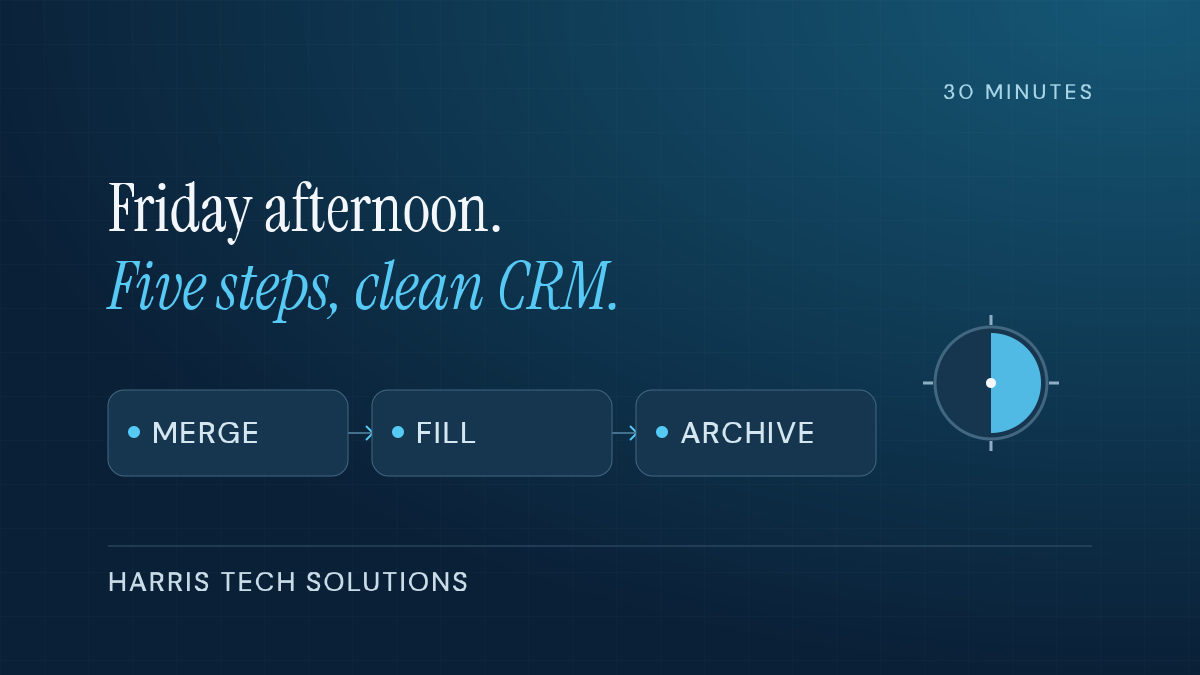
Short answer: Clean your CRM a little every week instead of a lot once a year. Block 30 minutes on Friday afternoon and run five steps in order: merge the week’s duplicates, fill blanks on records you touched, fix deals with past due close dates, close out dead leads and add one rule that prevents next week’s mess.
Picture the office manager at a five-person HVAC company in McKinney. (She’s an illustrative composite, not a client.) Her CRM is lying to her a little more every week. A contact gets entered twice. A deal sits at “proposal sent” three months after the homeowner went quiet. A lead from June still says “new.” None of it is a crisis on its own. Together, it means the report the owner opens on Monday is fiction.
If that sounds like your office, you’re not the only one. In Validity’s 2025 survey of 602 CRM users, 76% said less than half of their CRM data is accurate and complete, and 37% said they’d lost revenue directly because of poor data quality (Validity, State of CRM Data Management, 2025).
The usual fix is a big cleanup project. It gets scheduled for January, gets bumped by real work and never happens. Or it happens once, and by spring the mess is back. The big annual purge is the wrong tool. What works is boring: the Friday 30.
Skip this if you’re the only person who ever touches your CRM and it holds under a hundred contacts. You can keep that clean as you go. This is for offices where three or more people enter records.
Why Friday, and why only 30 minutes?
Friday afternoon is when the week’s records are still fresh in your head. You remember that “Mike S.” and “Michael Sanchez” are the same guy, and that the Tuesday estimate is dead because he called to say so. By the next Friday, you won’t.
Thirty minutes is short enough that you’ll keep doing it. You’re only cleaning what changed this week, not the whole database.
There’s real money in the habit. Salesforce’s State of Sales 2026 report (4,050 sales professionals) found sellers spend only 40% of their time actually selling, and Gen Z reps lose about two full hours a week to manual data entry (Salesforce, February 3, 2026). That figure is for sales reps, not everyone. But say your office manager loses two hours a week to the same re-typing and hunting for the right record. At an assumed loaded cost of $30 an hour, across 50 weeks that’s $3,000 a year for one person. Cleaner data doesn’t erase all of that, but it’s where the waste starts.
What do you set up once before the first Friday?
Every CRM I’ve worked in, from HubSpot and Salesforce to Pipedrive and the ones built into industry software, lets you save a filtered list. Build these four once and pin them:
- Created this week: every contact or company added in the last seven days.
- Touched this week: records you or your team edited in the last seven days.
- Deals past due: open deals with an expected close date before today.
- Quiet leads: open leads with no activity in 45 days or more. Pick a number that fits your sales cycle.
That’s the whole setup. Now the Friday routine.
Minutes 0 to 5: Who got entered twice this week?
Open “Created this week” and sort by last name, then by phone. Duplicates jump out when they sit next to each other. Merge them, keeping the record with the most history as the survivor.
Most CRMs have a built-in duplicate finder. Use it, but approve each merge yourself. Two different people at the same company can share a phone number, and a careless merge is harder to undo than a duplicate.
Minutes 5 to 12: What’s blank on the records you touched?
Open “Touched this week” and look for the empty fields that matter to you. For most businesses that’s a short list: email, phone, lead source and owner. Fill what you know now. If you don’t know a lead source, ask yourself why that field is optional on your form.
Don’t chase every field. A record with five accurate fields beats one with twenty fields of guesses.
Minutes 12 to 20: Which deals have a close date in the past?
This is the step that fixes your forecast. For each deal in “Deals past due,” make one of two calls: it’s still alive and needs a new date and a next step, or it’s lost and gets marked lost with a reason.
The reason matters. “Price,” “went with a competitor” and “never responded” tell you very different things after six months of Fridays.
Minutes 20 to 26: Which leads are actually dead?
Open “Quiet leads.” Anything you’d honestly never call again gets closed out or moved to a long-term nurture status. Don’t delete. Archived records still tell you where your leads came from, and some will come back.
Minutes 26 to 30: What one rule stops this next week?
Look back at what you fixed and find the most common mess. Then add one guardrail, only one:
- Lots of blank lead sources? Make it a required dropdown on the intake form.
- Duplicates from the website form? Turn on the CRM’s match on email.
- Deals with no close date? Make the field required when a deal moves past the first stage.
- Same rep, same mistake, every week? That’s a five-minute conversation, not a setting.
Write the rule in a running note. After a couple of months, that note is a pretty good map of where your process leaks.
What does a month of Fridays look like?
Back to the McKinney HVAC office (still the illustrative composite). The office manager runs the Friday 30 for the first time and spends the whole half hour on duplicates. Week two, she gets through all five steps with eight minutes to spare. By week four, the “Deals past due” list is down to a handful, and the owner trusts the pipeline report enough to use it in the Monday meeting instead of asking everyone for a verbal update.
That’s the real payoff. Not a perfect database, a report people believe.
If the same mess keeps showing up every Friday, the fix probably belongs upstream, in the form or an automation that creates the record. That’s the kind of thing I build in small business automation work.
Frequently asked questions
How often should I clean my CRM?
Weekly, in small doses, works better than a big annual cleanup. Thirty minutes on the records that changed that week keeps the mess from piling up.
Should I delete old contacts or archive them?
Archive or mark them inactive. Deleting throws away history you’ll want later, like which lead sources actually turn into customers.
Can AI clean my CRM for me?
It can help spot duplicates and blank fields, and some CRMs now do that automatically. A person should still approve merges and mark deals lost. Clean data is also the first step before plugging any AI tool into your CRM, because the AI will read whatever is in there.